Ragdoll Duel: Boxing — Two-Player Boxing Guide
What we verified
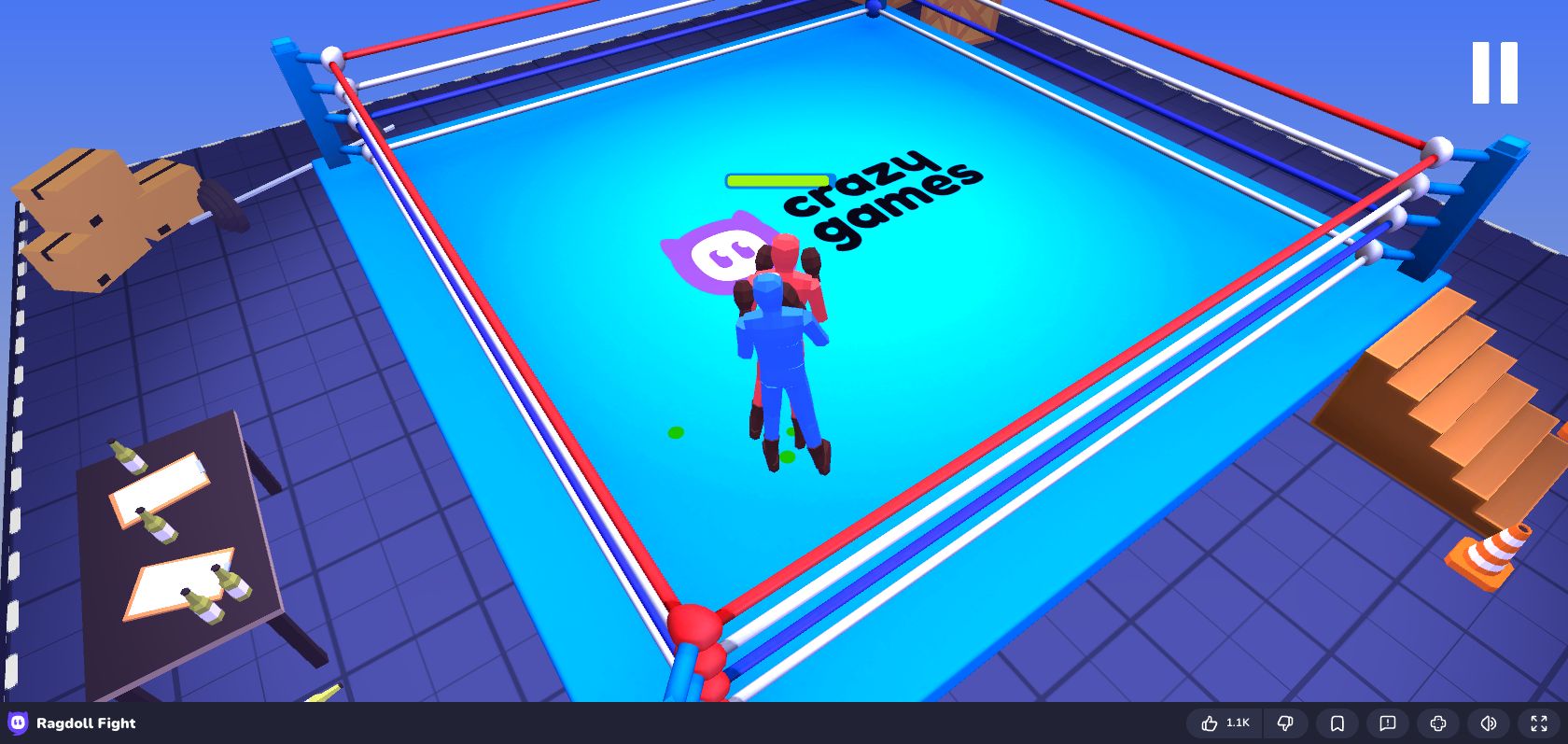
Ragdoll Duel: Boxing is a physics-based boxing game with one-player and local two-player modes. On August 12, 2026, we loaded this exact embedded build in Chrome, selected a mode, entered a bout, and confirmed that movement and punch inputs changed the match. The provider can show its own consent or advertising screen before the menu appears.
Player controls
For Player 1, use A/D to adjust position, S to crouch, F to punch, and G for the special attack when it is available. Player 2 uses the left/right arrow keys for position and the keys shown by the game for defensive and attack actions. Because keyboard layouts vary, use the control card on the mode-selection screen as the final reference.
How the physics changes boxing
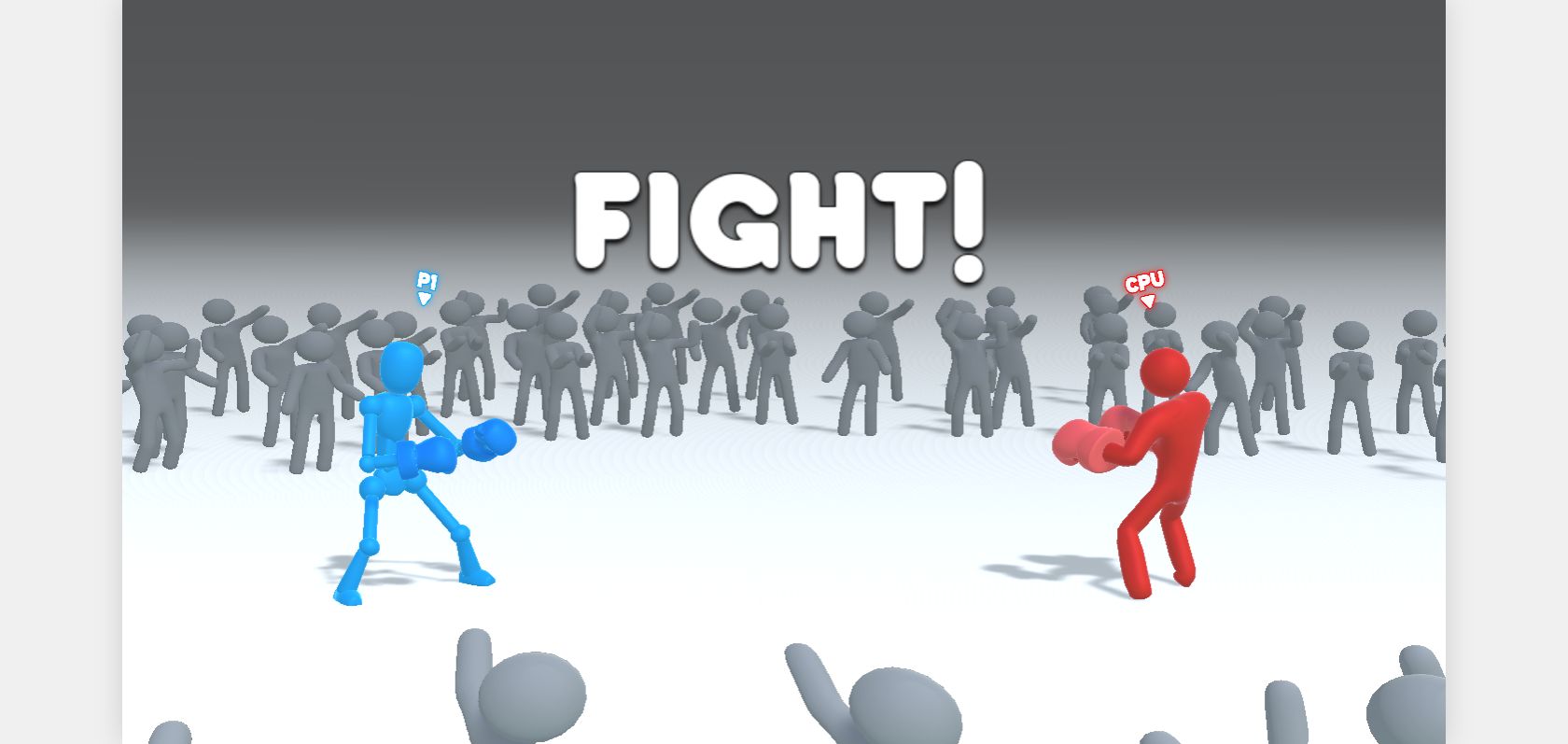
Punches do not behave like instant hits in a traditional fighting game. The arm and body need time to swing into range, and the recoil can expose the fighter. Begin just outside the opponent's reach, step in, punch once, and observe the result before committing again. Repeatedly pressing the attack key often produces weaker contact and poor balance.
Winning exchanges
Watch the distance between the fighters' front feet. If the gap is wide, move first; if their bodies are already leaning together, punching or crouching is usually safer than another step. Save the special attack for a stable stance or for an opponent who has just missed. In local two-player matches, vary the delay between attacks so the other player cannot counter on a fixed rhythm.
Troubleshooting controls
Click once inside the game after the match loads. If the browser scrolls instead of moving a fighter, click the frame again and retry. Avoid holding several keys during menus, because a key intended for the match can also confirm a menu choice. Refreshing the page resets a match if a provider message or interrupted load leaves the arena unresponsive.