Stickman Boost 2 — Movement, Hazards, and Checkpoints
What we verified
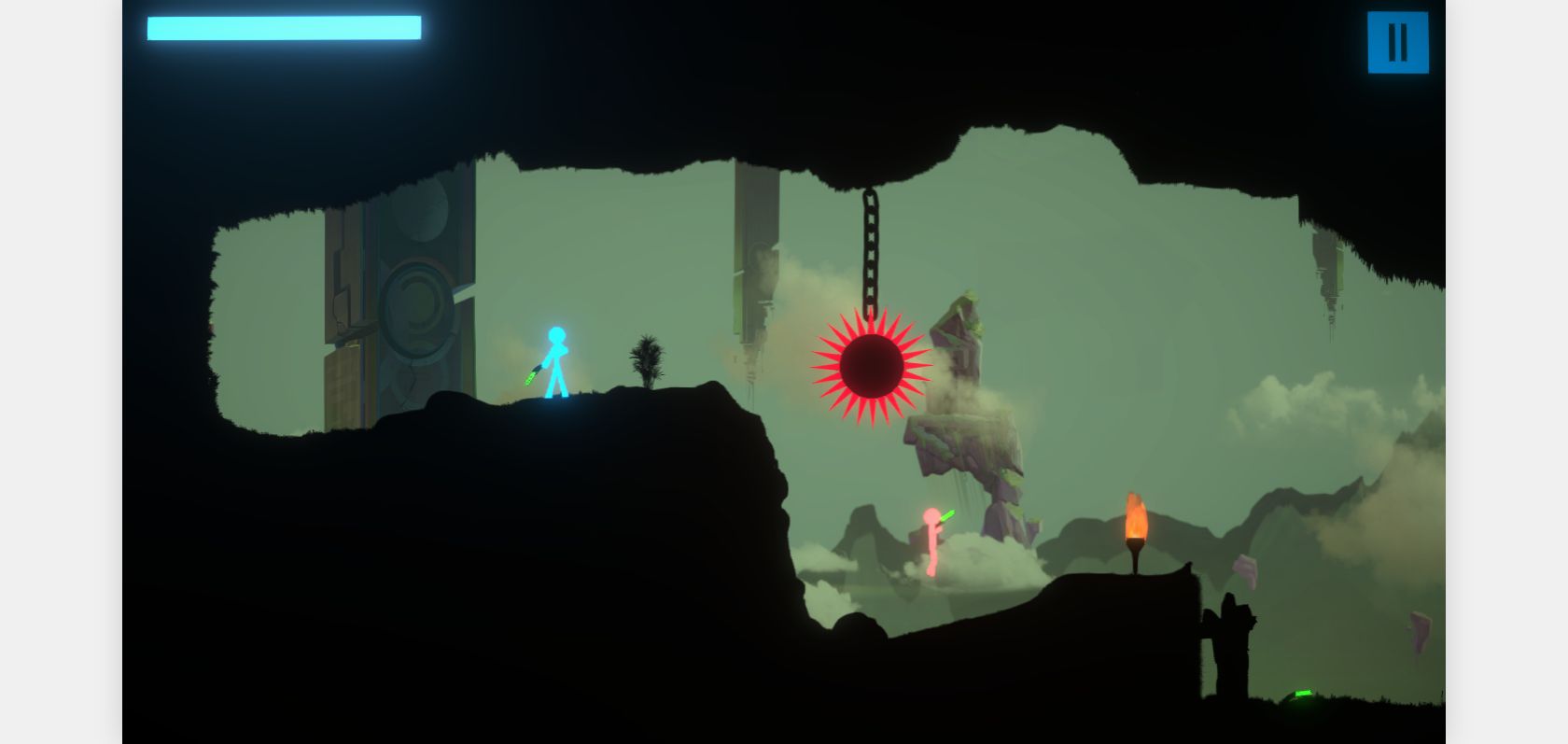
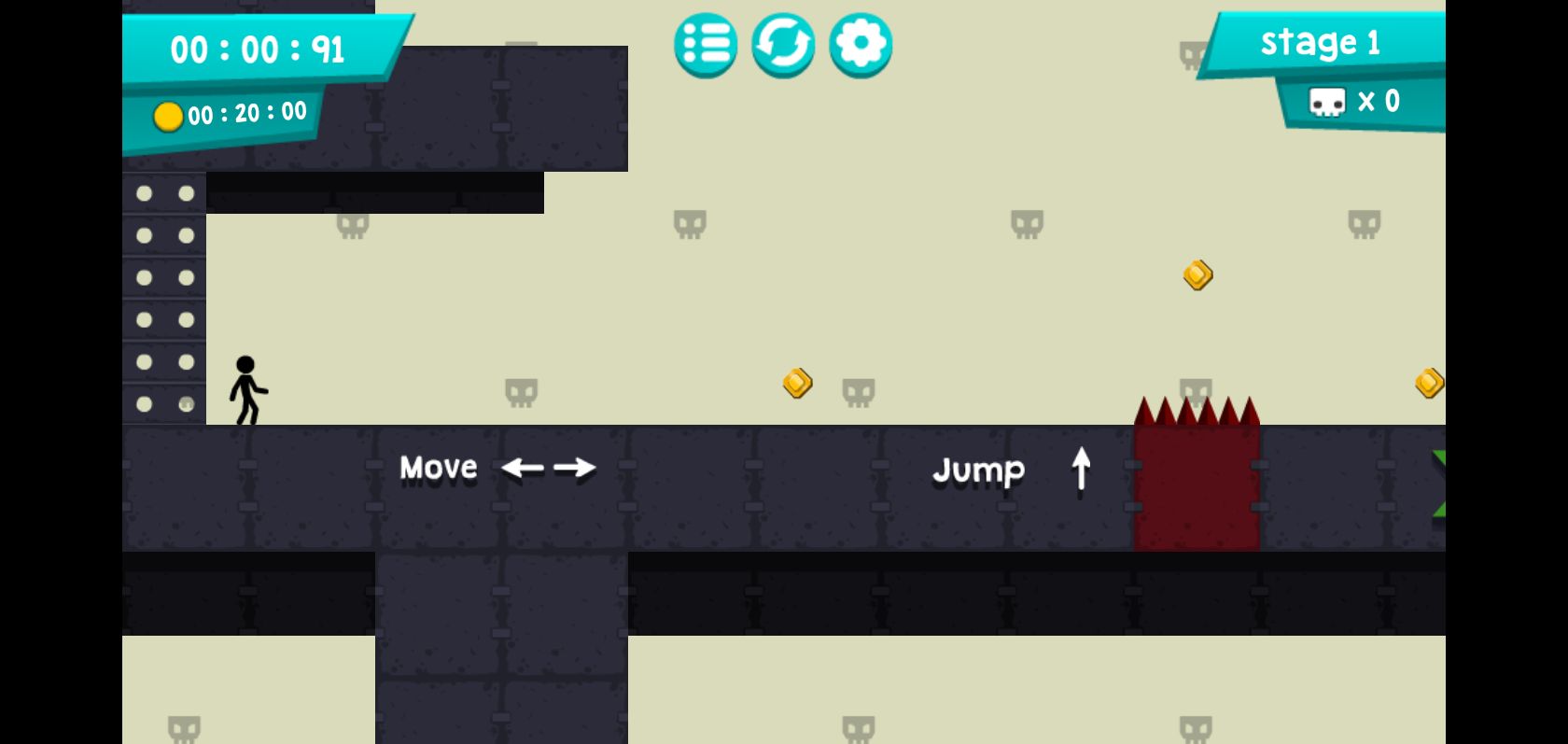
Stickman Boost 2 is a fast platform game about crossing obstacle courses without touching hazards. On August 12, 2026, we opened this exact embedded version in Chrome, started the game, moved, jumped, and reached active gameplay. The title and controls shown inside the build matched this page.
Controls
Use the arrow keys or WASD to run and jump. The opening screen illustrates the arrow layout. Click inside the frame first if the browser scrolls when you press an arrow key. Small taps are more precise than long holds on narrow platforms.
Read before you run
The fastest path is rarely the best path on a first attempt. Stop at a safe tile and watch moving hazards complete one cycle. Identify where a jump should begin and where the character can land without immediately sliding into the next trap. Once the sequence is understood, combine the movements into a faster run.
Jump timing
Press jump slightly before the platform edge rather than at the final pixel. This creates a repeatable takeoff point and leaves room to correct horizontal movement in the air. For consecutive hazards, focus on the landing first: a clean landing creates the next jump, while an overextended first leap makes every later input reactive.
Recovering from mistakes
When a section repeatedly fails, change only one variable—takeoff position, key-hold length, or landing target. Changing all three makes it hard to learn from the attempt. Use checkpoints as practice boundaries and repeat the first difficult movement until it feels predictable before trying to optimize speed.
Stickman Boost 2 suits short sessions, but later courses demand patience. Consistency comes from reading cycles and using repeatable inputs, not from holding the run key through every obstacle.