Ragdoll Fight — Local Versus Controls and Tactics
What we verified
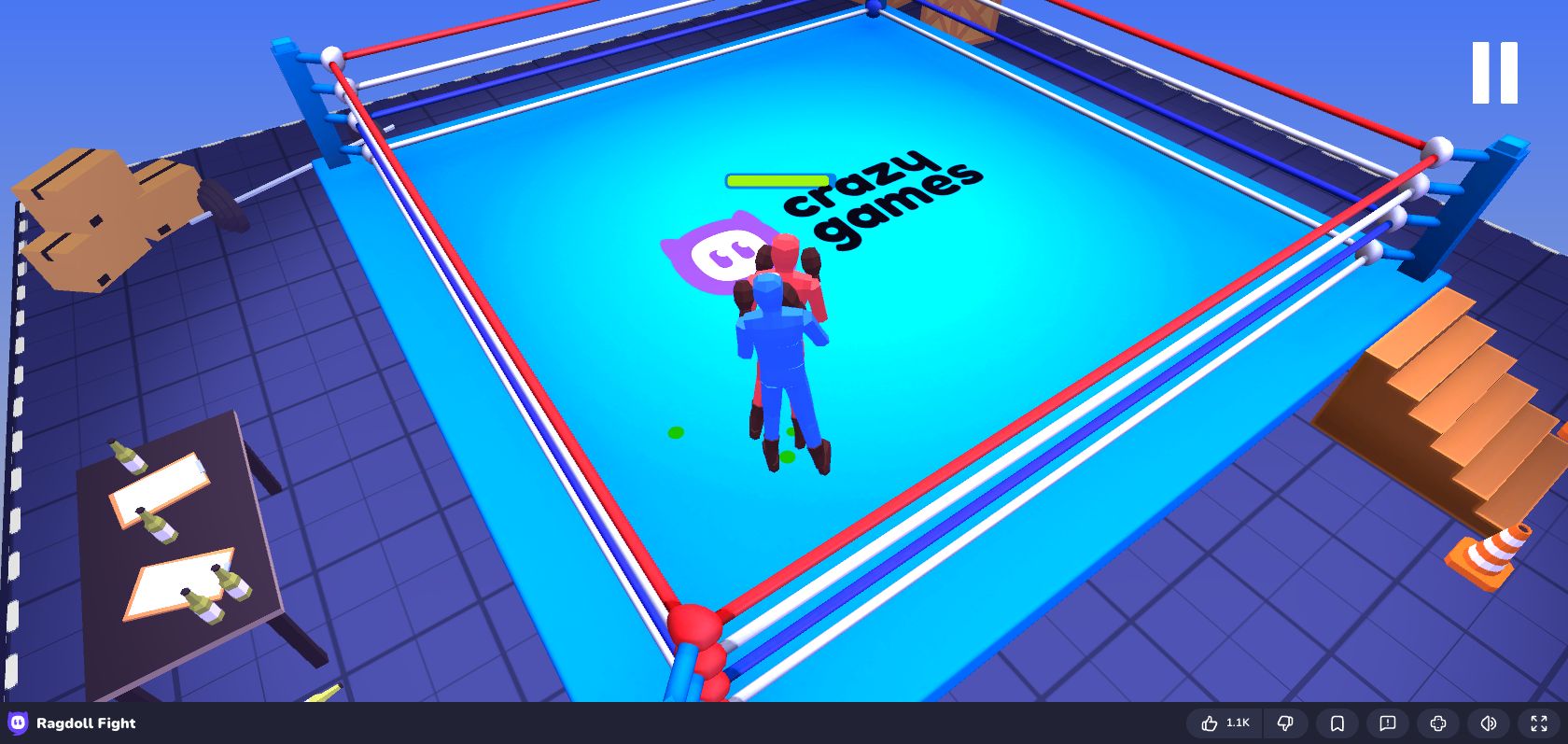
Ragdoll Fight is a local-versus arena game for two players sharing one keyboard. We tested this embedded version in Chrome on August 12, 2026, started a match, moved both sides, jumped, and attacked. It remained inside the game frame and the title matched this page.
Controls
Player 1 uses WASD to move, F/G to punch, and V to jump. Player 2 uses the arrow keys to move, J/K to punch, and M to jump. Click inside the frame before using the keyboard so the game receives input.
Arena fundamentals
Ragdoll movement carries momentum. A fighter who is already leaning or falling cannot instantly reverse direction, so the best attacks begin from a balanced stance. Use small movement taps to line up the shoulders, throw one punch, and then decide whether to follow or reset. Jumping is useful for changing the collision angle, but a predictable jump gives the opponent time to move underneath you.
Two-player match strategy
Protect your keyboard space first: each player should keep to their own control cluster. In the arena, avoid pinning yourself against an edge. If the opponent is rushing, step back just enough for the first punch to miss, then respond while their body is extended. Alternating the two punch buttons changes timing and makes a repeated approach less obvious.
If the game does not respond
Some browsers capture arrow keys for page movement until the iframe is focused. Click the game and try again. If a key is reserved by an extension or operating-system shortcut, use the other player's control set only as a diagnosis; both sets should work once the frame has focus. The game is designed for desktop keyboard play and is not a good fit for touch-only phones.